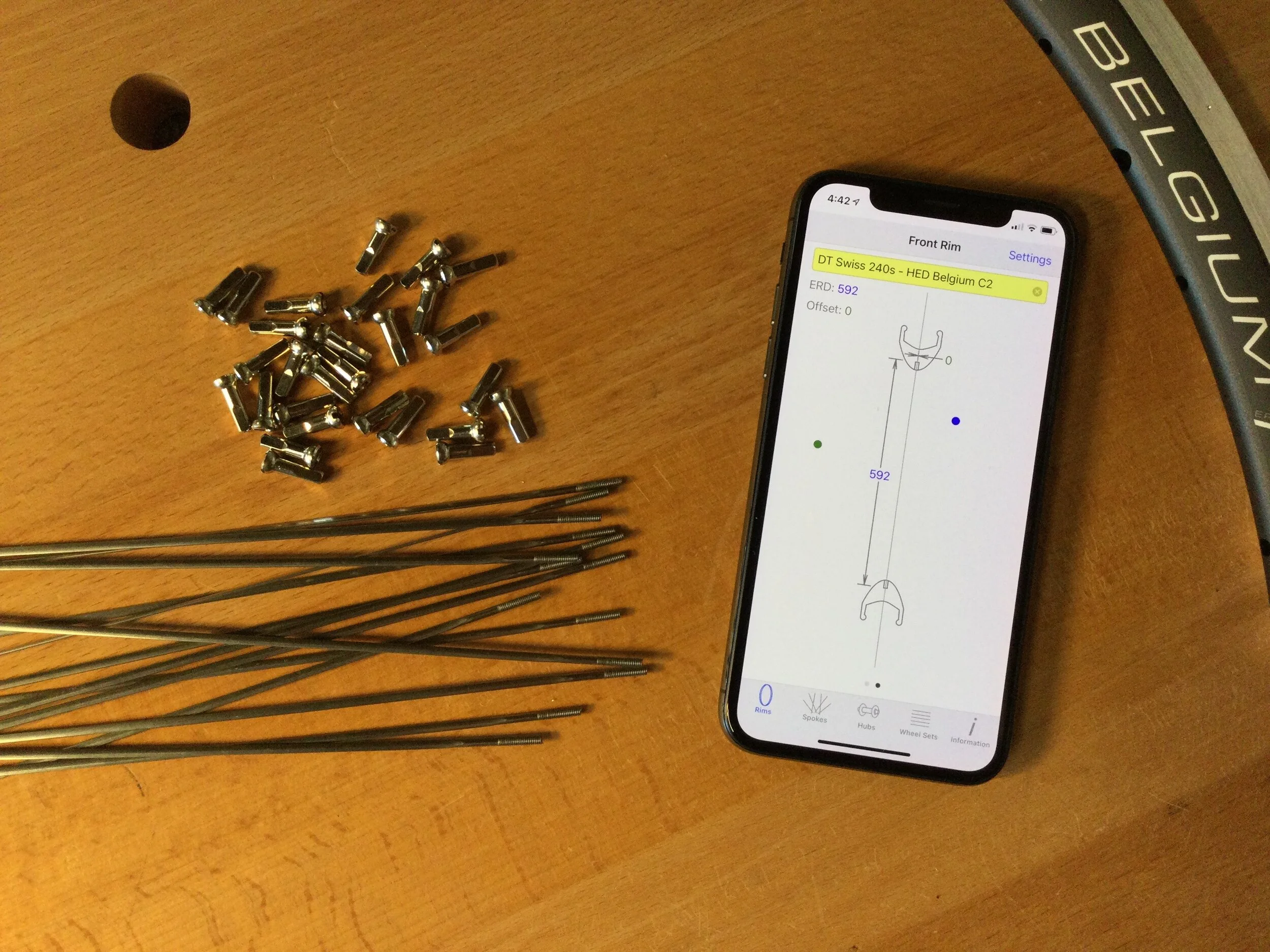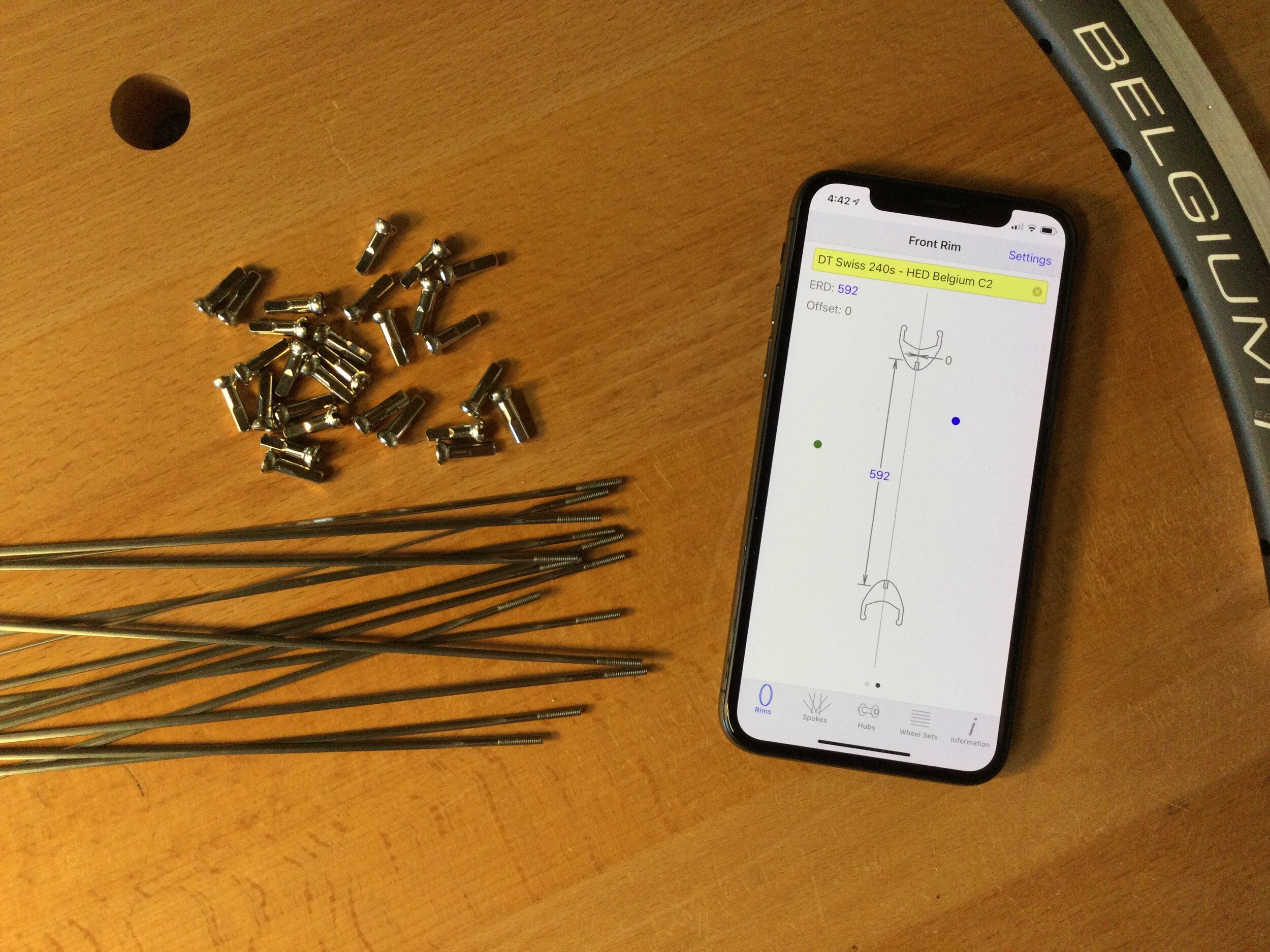
Rayons is a spoke length calculator like no other…
In just three steps you have your spoke length
Step 1
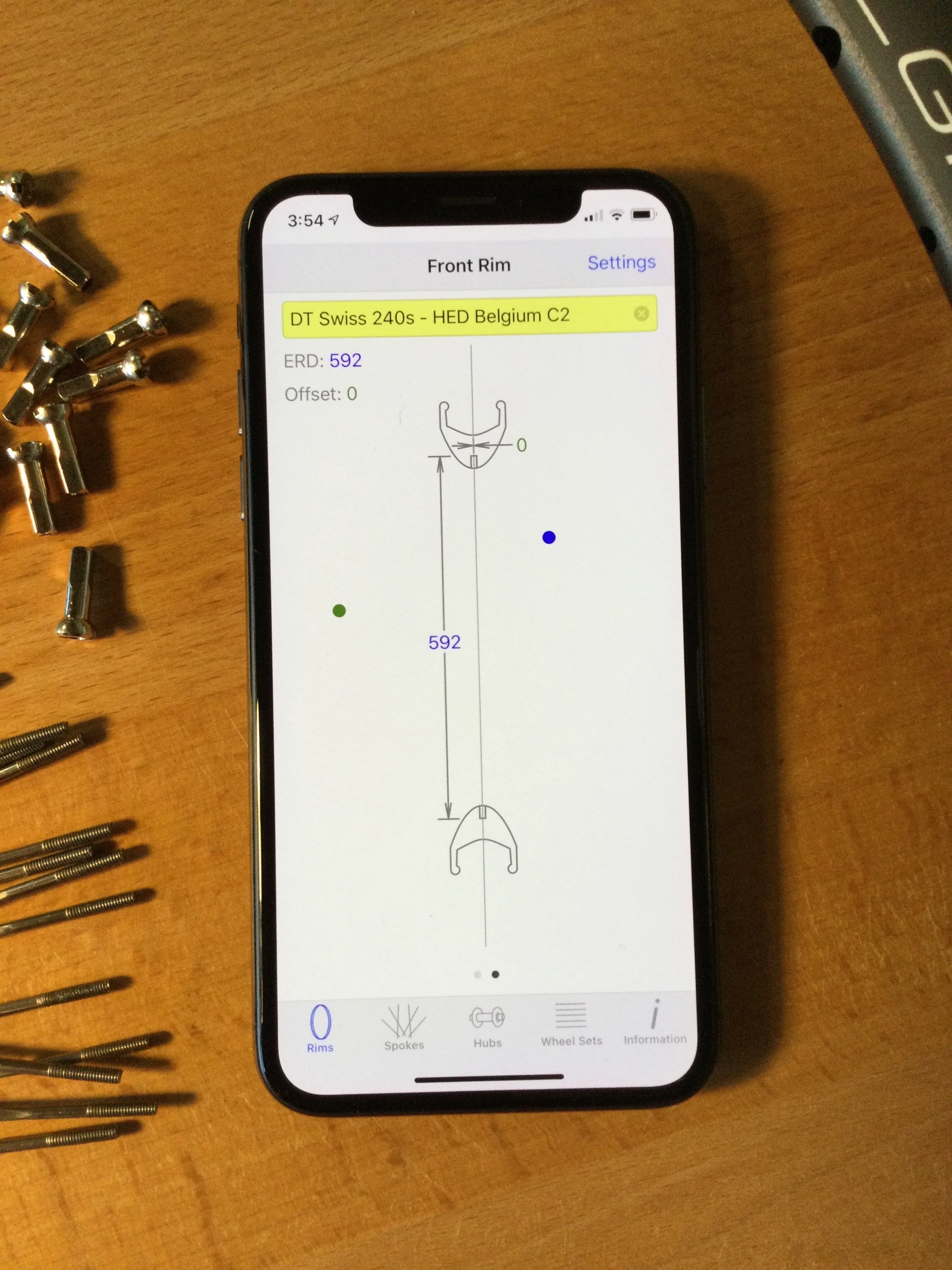
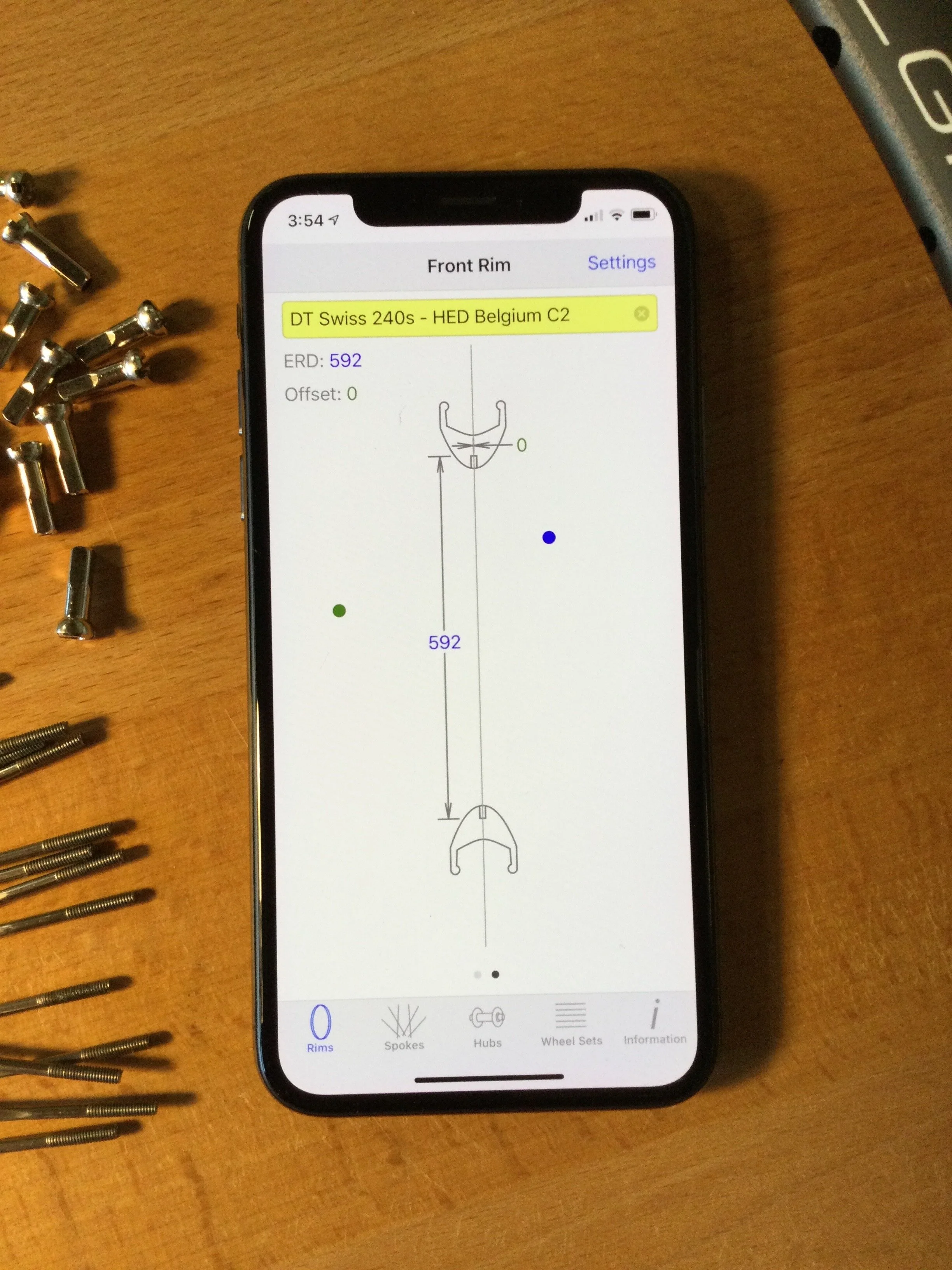
On the Rims screen:
Use the slider to select your effective rim diameter (ERD). If the rim has no spoke hole offset, leave it at zero, otherwise use the offset slider to set it. Tapping a dimension number allows for quick 0.1 mm adjustments.
Step 2
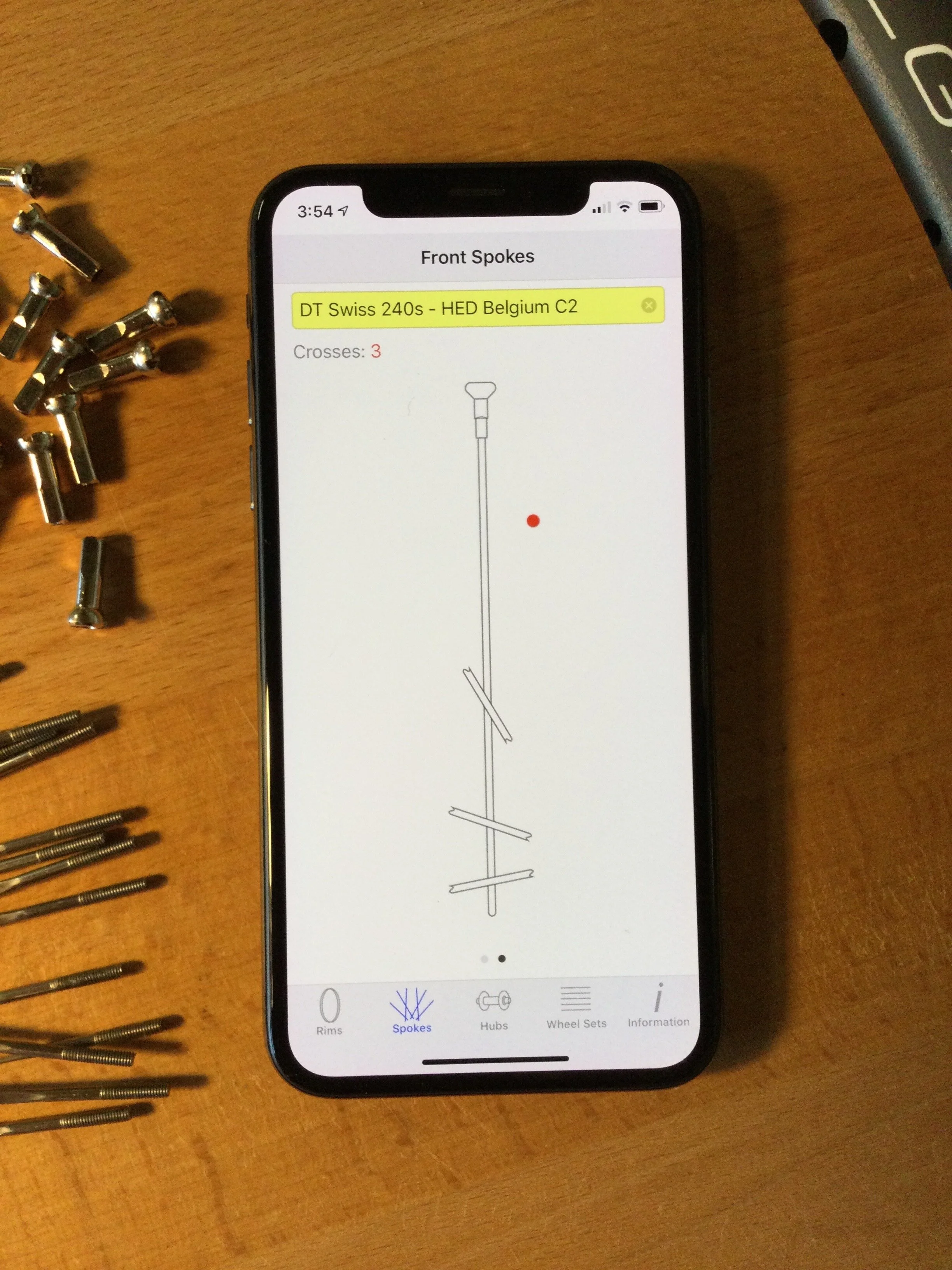
On the Spokes screen:
Use the slider to select the number of spoke crosses. The animated drawing shows how a single spoke is crossed by spokes tangentially in the opposite direction. Up to four crosses are supported. Zero crosses indicates a radially spoked wheel.
Step 3
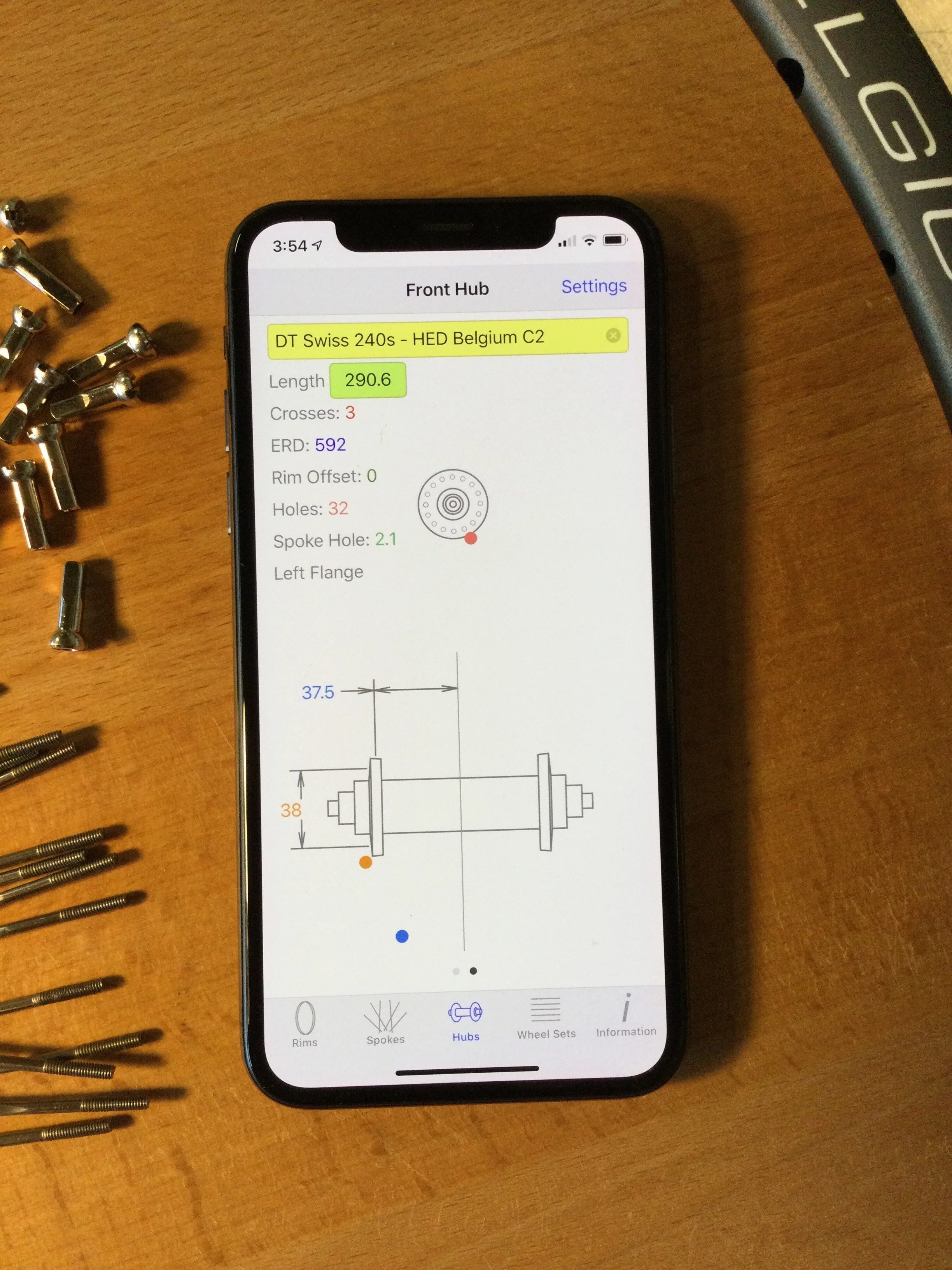
On the Hubs screen:
Select the number of spoke holes, the flange diameters and the flange offsets. The sliders animate the drawing showing how your hub changes. Spoke length(s) are continuously updated and shown at the top. Again, tapping a dimension number allows for easy 0.1 mm adjustments.
Done!
Save your work for both wheels at once
Two Wheels
Swiping switches between front and rear wheels in the rims, spokes and hubs screens. Front and rear components are always kept separate and are labeled to avoid confusion. Support for differing flange diameters and offsets and spoke hole diameters is found under Settings.

Save It
Tap on the text field to enter a description for your wheel set configuration. Make it as detailed as you like. See your list of configurations in the Wheel Sets screen. Use the search box to quickly find your configurations.

Learn more
The Information screen gives a quick overview, more technical information and support links. Additionally, the app gives detailed help on how you can make your own rim and hub measurements.